

Livery studio for iRacing
Race in
your colours.
Paint a car or helmet for iRacing. Start with a layout, an AI draft or a blank canvas, then make every layer yours.


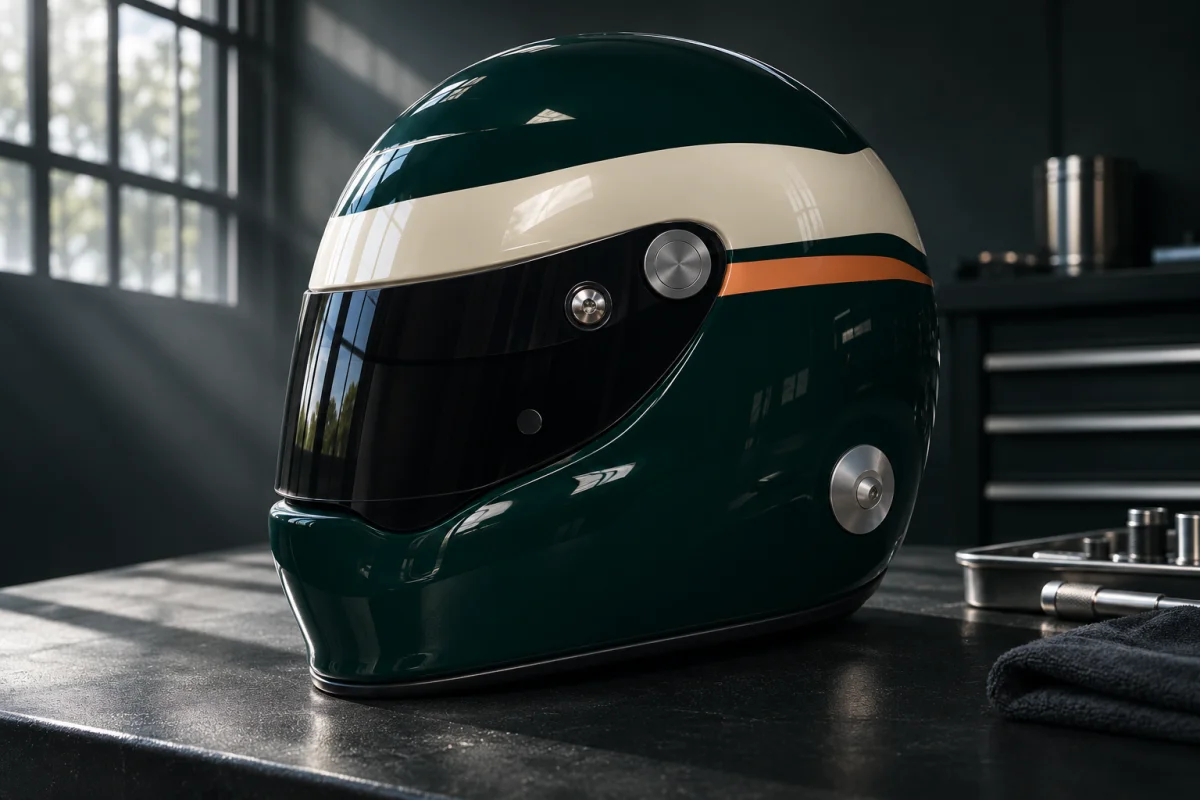
Find your iRacing car
How it works
Start by picking the car or helmet you race. Each has its own paint sheet, so you can see where a stripe, number or sponsor will sit.
Start fresh, import a saved project or adapt an eligible gallery design to another vehicle.
Start with a pattern or an idea.
Quick Build
Pick a pattern, set the colours and choose a matte, satin, gloss or metallic body finish where supported. Add artwork and sponsor logos on individual parts.
AI Paint
Describe the design and add reference photos. Ask for concepts first or go straight to an editable draft. Use chat to request changes.
Mix the paint.
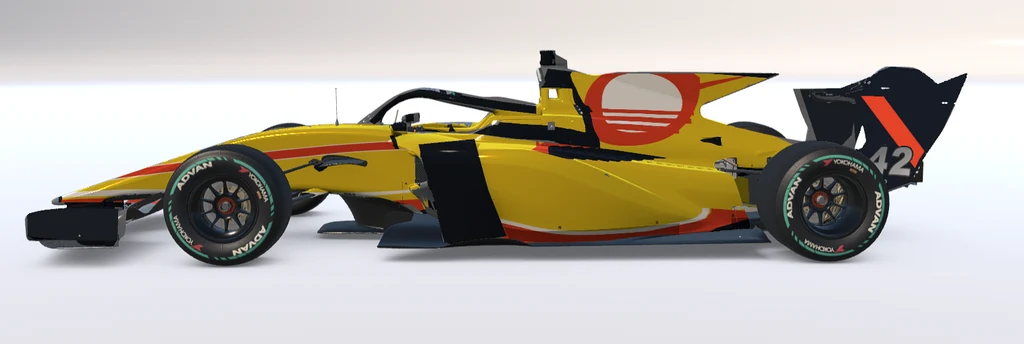
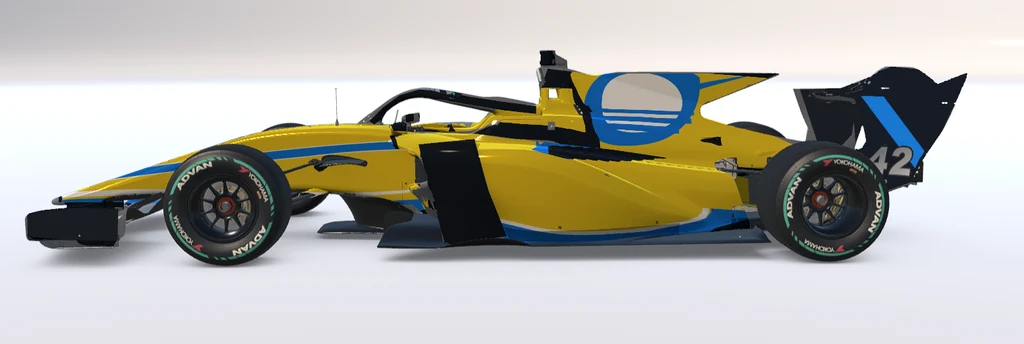
See what one accent colour changes on Solar Sweep. Drag the divider across the car to compare your mix with the original vermilion.
Place the details.
In the layer editor, move a sponsor along the sidepod and check its position on the car. The paint sheet and camera preview sit side by side.
Add lettering, draw shapes or scale and rotate artwork. Turn on the wire and mask guides to see where panels meet. You can also start here with a blank canvas.
Walk around the car.
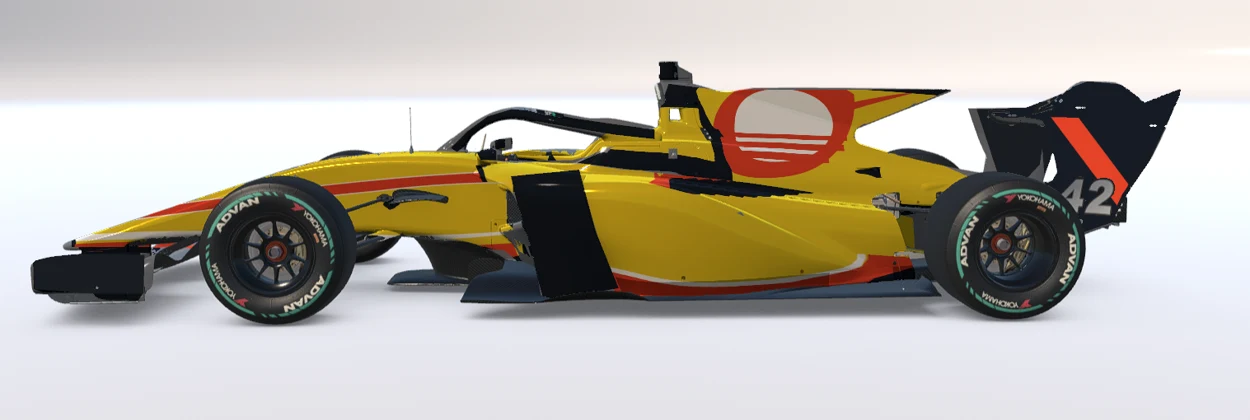
Follow the stripe from the sidepod to the nose and rear wing. Select a camera for a closer look, or inspect another studio original.
Read the Solar Sweep brief
Golden yellow bodywork, a large sun motif and sharp vermilion racing lines on graphite. Carry the identity onto the wings and nose.
Take it into iRacing.
Enter your iRacing customer ID to download a paint file with the right name. Designs with a finish map include both files in a ZIP.
Keep the editable project on your device or in your account so you can come back to it after the race.